
Music coloring pages offer a way to explore a musical subject through color and personal design choices. This page brings together printable coloring pages by subject so you can begin with the instrument that interests you. The visible group is Guitars. Choose that card to explore guitar-related pages and look for an image you would like to color or use as the starting point for a creative activity.
With one subject group shown here, the choice is about what you want to do with a guitar picture. You might want to focus on the instrument itself or choose a page that gives you room to add your own decorative ideas. When you open the group, compare the actual images before selecting one. Notice the size of the outlined areas and how much of the page you want to color during your available time.
A musical theme can also guide your color choices without requiring a particular palette. You could use colors inspired by a guitar you have seen or invent a combination for an imaginary instrument. Think about whether you want the guitar to stand out strongly from the rest of the page or share a coordinated set of colors. Either approach gives you a clear starting point while leaving room to change your mind as you work.
Before printing, decide whether the page will become a quiet coloring activity or part of a larger project. A single guitar picture might accompany a listening session or provide a starting point for a story about making music. Several finished pages could form a personal display. Start with the Guitars card below, then use the preparation and activity suggestions further down to plan your page.
Browse Music Coloring Pages by Subject
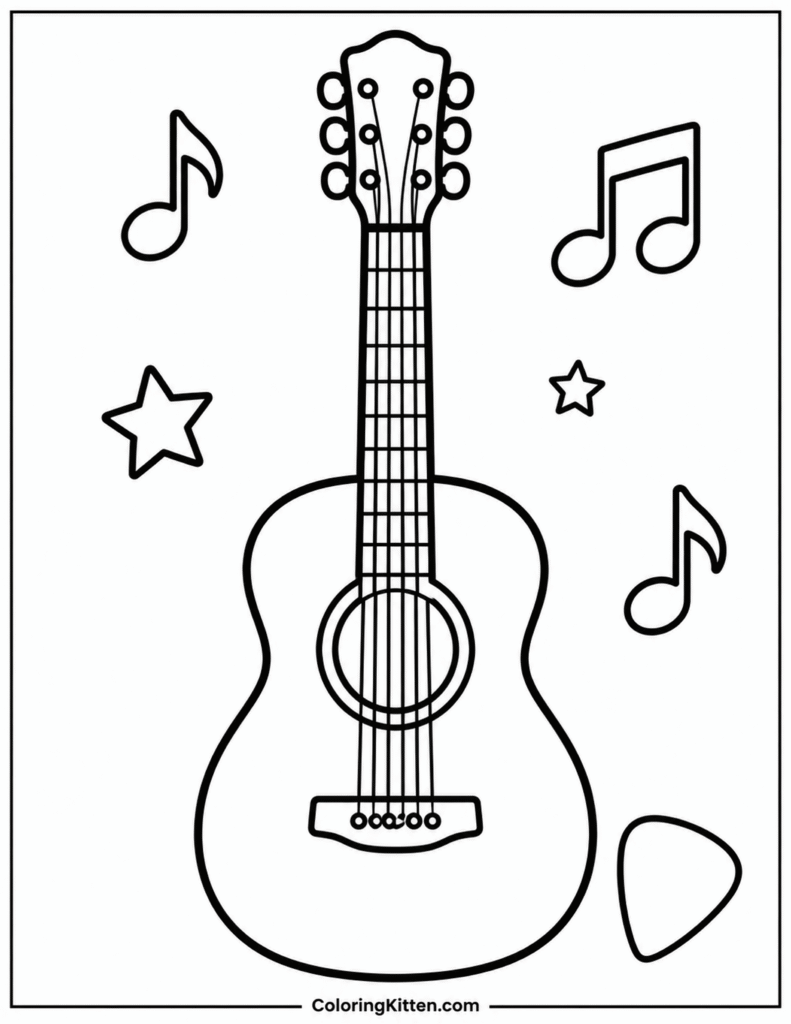
Start with the Guitar Subject Group
Guitars is the subject group currently visible in this category. Use its card to continue toward guitar coloring pages rather than searching this overview for individual designs. The broad music theme helps orient your visit, while the guitar group gives you a more focused place to choose an image. Base your selection on the pages you can actually see when you open it.
Compare visible designs by their composition and the areas you would enjoy coloring. A picture with larger outlined spaces may suit broad strokes, while smaller spaces call for a finer point. These observations are more useful than assuming a page belongs to a particular age or skill level. Also consider whether you want to concentrate on existing outlines or leave some space for your own additions.
Prepare Music Pages for US Letter or A4 Printing
Check the paper in your printer before setting up the page. US Letter measures 8.5 by 11 inches, while A4 measures 210 by 297 millimeters. Select the matching paper size in your print settings and inspect the preview. Check the orientation and make sure the guitar image stays inside the printable area, especially near the edges.
If the preview shows clipped outlines, try a fit-to-page setting and check it again before printing. Scaling can change the size of the spaces you will color, so choose a result that feels comfortable to work with. Print one test sheet before preparing several copies. It lets you check the margins and outline clarity without committing a whole stack of paper.
For a shared activity, prepare only the number of sheets you need and keep spare paper nearby for sketches or color tests. If people choose different guitar images, preview each one separately. A setting that works for one image may need adjustment for another.
Choose Paper and Supplies for Your Guitar Picture
Ordinary printer paper is a practical starting point for crayons or colored pencils. If you prefer heavier paper, check that your printer accepts its weight and thickness before loading it. Markers may show through a sheet, so place scrap paper underneath while coloring. Test your chosen supplies on a spare piece of the same paper before beginning.
Let the visible spaces guide your tools. A sharpened pencil gives you control around narrow outlines, while a crayon can cover a broad area with fewer strokes. Choose a small palette first, such as one main color and two supporting colors. You can then decide where to repeat them across the guitar picture.
For a music-inspired approach, listen to a piece of music and choose colors that match your own impression of it. There is no required connection between a sound and a color. Use your choices to explain a personal response, or simply select colors you enjoy seeing together.
Use and Keep Your Finished Music Pages
At home or in a classroom activity, a guitar picture can prompt a short conversation about music. Ask what someone imagines the guitar might sound like or where a person might play it. Keep the discussion open to different answers. If displaying or sharing copies beyond a personal activity, check any usage terms provided with the selected resource.
Turn a finished picture into a story by adding a separate caption about an imaginary guitarist. Give the character a name and describe the moment before a performance or practice session. You can also sketch a background on another sheet and place the colored page beside it, keeping the original picture intact.
Store completed sheets flat in a folder, or arrange them as a music-themed display. Add a date or a note about the colors you chose so you can revisit the idea later. When you are ready for another page, return to the Guitars card above and choose an image that suits your next coloring session or project.
Music Coloring Pages FAQ and Printing Tips
Which subjects can I browse on this music coloring page?
The visible subject group is Guitars. Open that card to explore guitar-related coloring pages. This overview helps you choose where to begin and prepare for coloring, while the pages inside the group let you compare individual images.
How should I choose a guitar coloring design?
Look at the actual image and consider the spaces you want to color. Choose a composition that interests you and fits your available time. Check whether your preferred pencils, crayons, or markers will be comfortable to use within its outlines.
Can I print a selected page on US Letter or A4 paper?
Choose the paper size that matches your printer tray, then inspect the print preview. Use scaling if needed to keep the image within the printable area. Print a test sheet to check the result before making additional copies.
What coloring supplies should I use?
Crayons and colored pencils are practical options for ordinary printer paper. For markers, test for show-through and protect the surface underneath. If you choose thicker paper, confirm that your printer can handle it before printing.
Do guitar pictures need realistic colors?
You can follow the colors of a guitar you have seen or create an imaginary color scheme. Try repeating a few colors to connect different areas of the picture, or make the guitar the strongest color focus on the page.
How can I connect coloring with a music activity?
Listen to music while coloring and discuss the colors each person chose. Alternatively, write a short story about an imaginary guitarist beside the finished picture. Treat these as personal interpretations rather than questions with one correct answer.
What can I do with finished guitar coloring pages?
Keep them flat in a folder or arrange them in a music-themed display. Add a date, title, or short caption on a separate label. Check the resource's usage terms before sharing copies or using the pages beyond your personal activity.